Robotical Cog
Robotical Cog: Making Coding Come to Life Through Physical Computing
Learning to code is much more exciting when students can see, hear, and interact with the results of their code.
Meet Robotical Cog a compact, interactive physical computing device designed to introduce children to coding, computational thinking, and STEM concepts in a fun and hands-on way.
THE ROBOTICAL APP
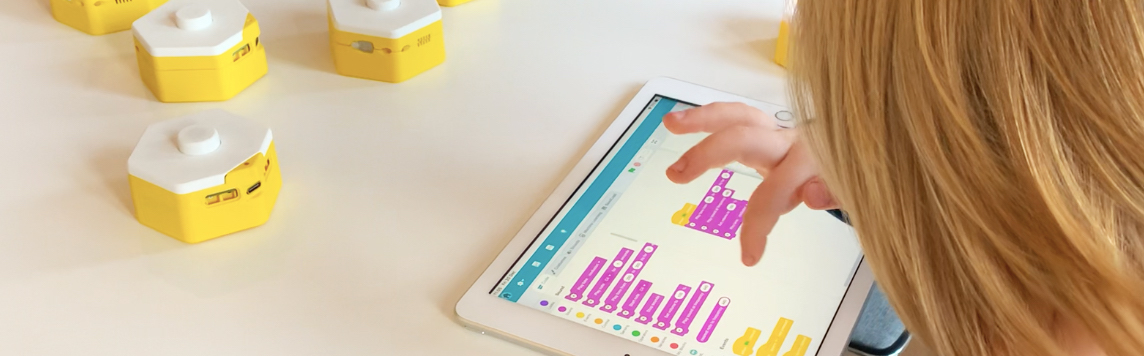
Available on Chromebooks, Windows, Mac, iPads, and Android tablets, our app makes bringing multiple STEM products into the classroom simpler than ever.
The best part? Our app is completely free with no paywalls or subscriptions. You can start exploring Cog straight out of the box, with minimal setup and zero hassle.
Teachers purchasing 20+ Cogs for their school also receive a free 30-minute training session to get up and running quickly. Just make your purchase, and our team will be in touch to schedule your session.
What Is Robotical Cog?
Robotical Cog is an input/output device for physical computing. It connects the digital world with the physical world, allowing learners to understand how computers can respond to information from their surroundings.
Cog includes interactive inputs such as:
- Force-sensitive button
- Light sensors
- Motion and acceleration sensing
- Tilt and rotation sensing
- Proximity sensors
It also provides outputs including:
- 13 multicolor LEDs
- Built-in speaker
- Interactive on-screen sprites
Together, these features allow students to create programs where physical actions trigger lights, sounds, animations, and other responses
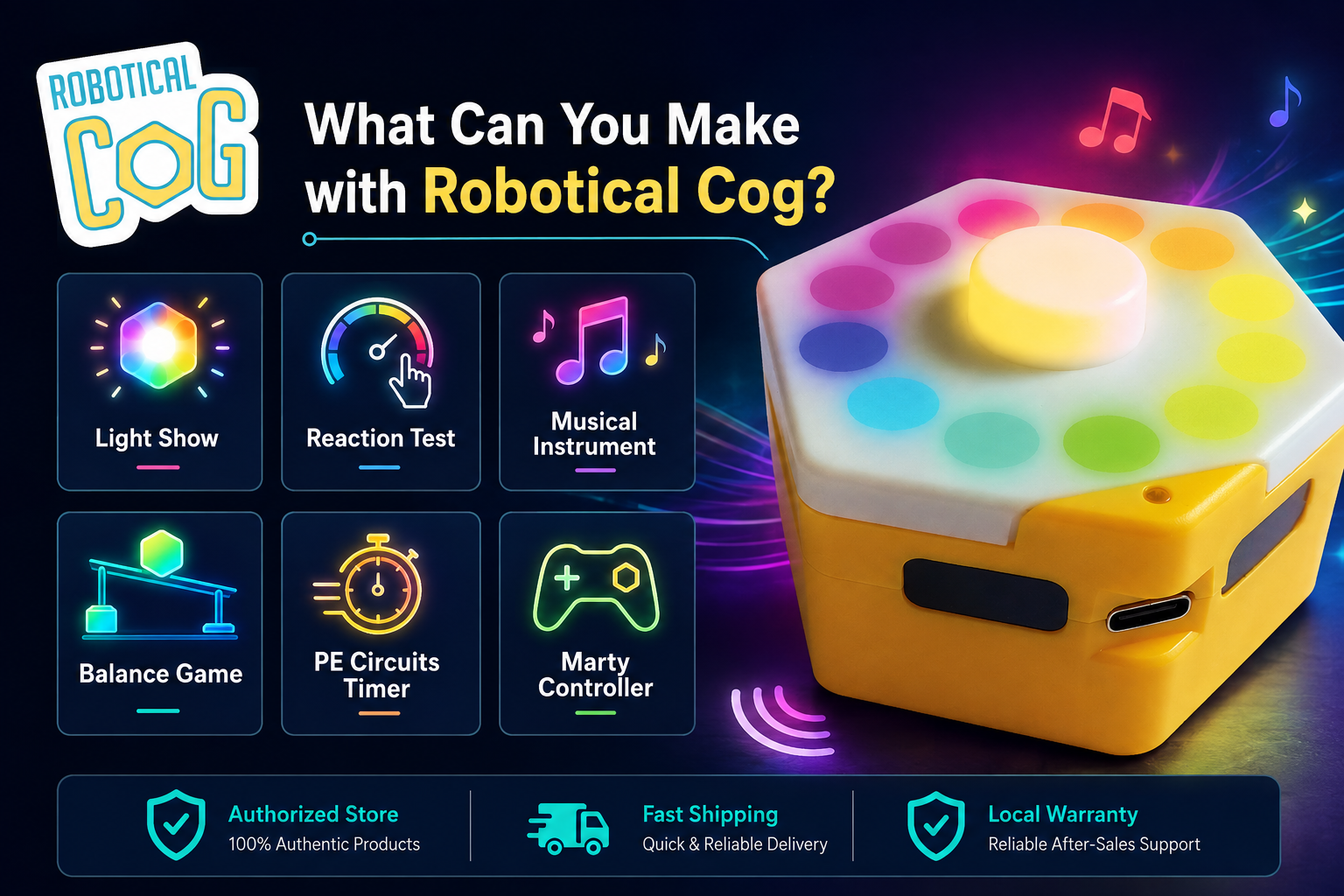
What Can you Make with Cog?
Light Show
With Robotical Cog, students can program lights to flash in different patterns and colors. This teaches them loops, timing, and sequencing, offering a visually engaging way to grasp coding basics and physical computing principles.
Reaction Test
Using Robotical Cog, students can create a reaction test game that measures response times with sensors. This activity teaches conditional statements and timing functions, making coding interactive and fun.
Musical Instrument
Robotical Cog allows students to program a musical instrument that turns inputs into sounds. This creative activity combines art and technology, reinforcing input/output processing and variable manipulation.
Balance Game
Robotical Cog enables students to use sensors to detect tilt or movement, helping them learn about real-time data processing and feedback loops. It’s a dynamic introduction to sensor integration in coding.
PE Circuits Timer
With Robotical Cog, students can create a timer for exercise intervals, teaching them about timers, counters, and signal outputs. This links coding with practical, everyday applications.
Marty Controller
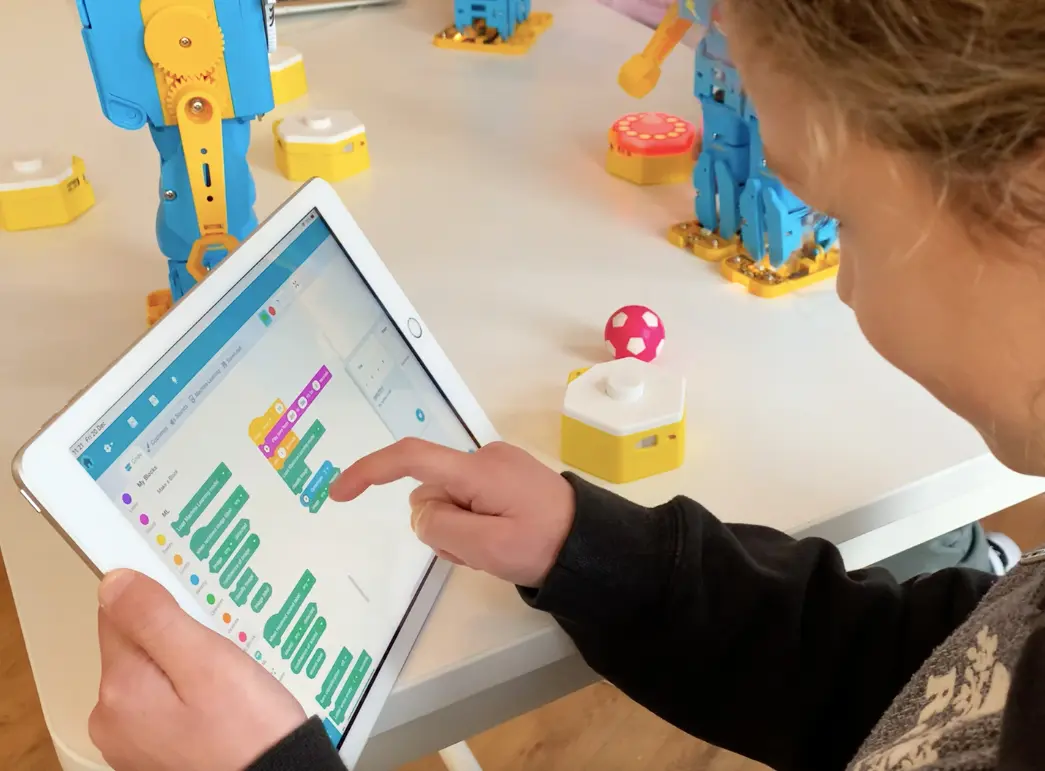
Using Robotical Cog to control a Marty robot helps students understand robotics and remote programming. They learn command sequences and sensor integration, seeing their code in action.
Simple Data Acquisition
Robotical Cog enables students to program systems that collect sensor data. This introduces them to data acquisition and processing, showing how coding can gather and analyze real-world information and laying a foundation for more advanced applications.